What is DAIlyClinic?
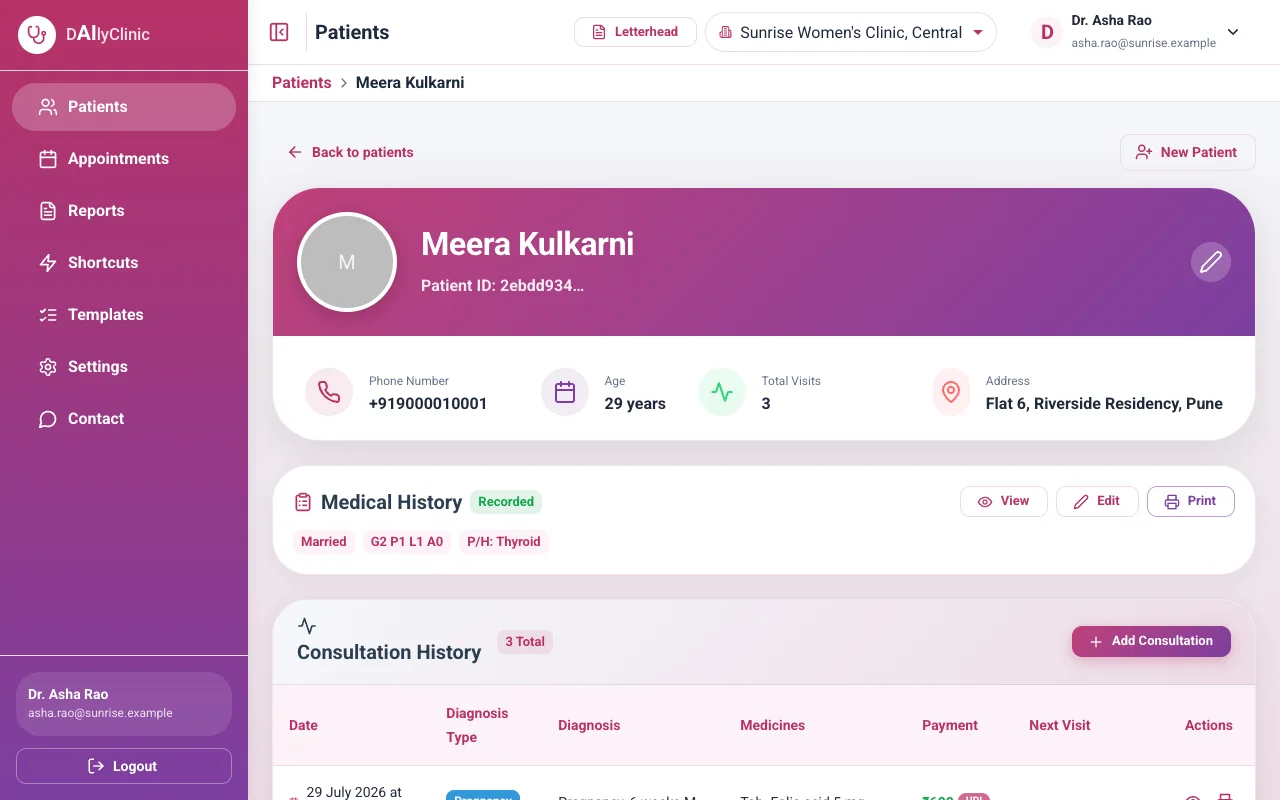
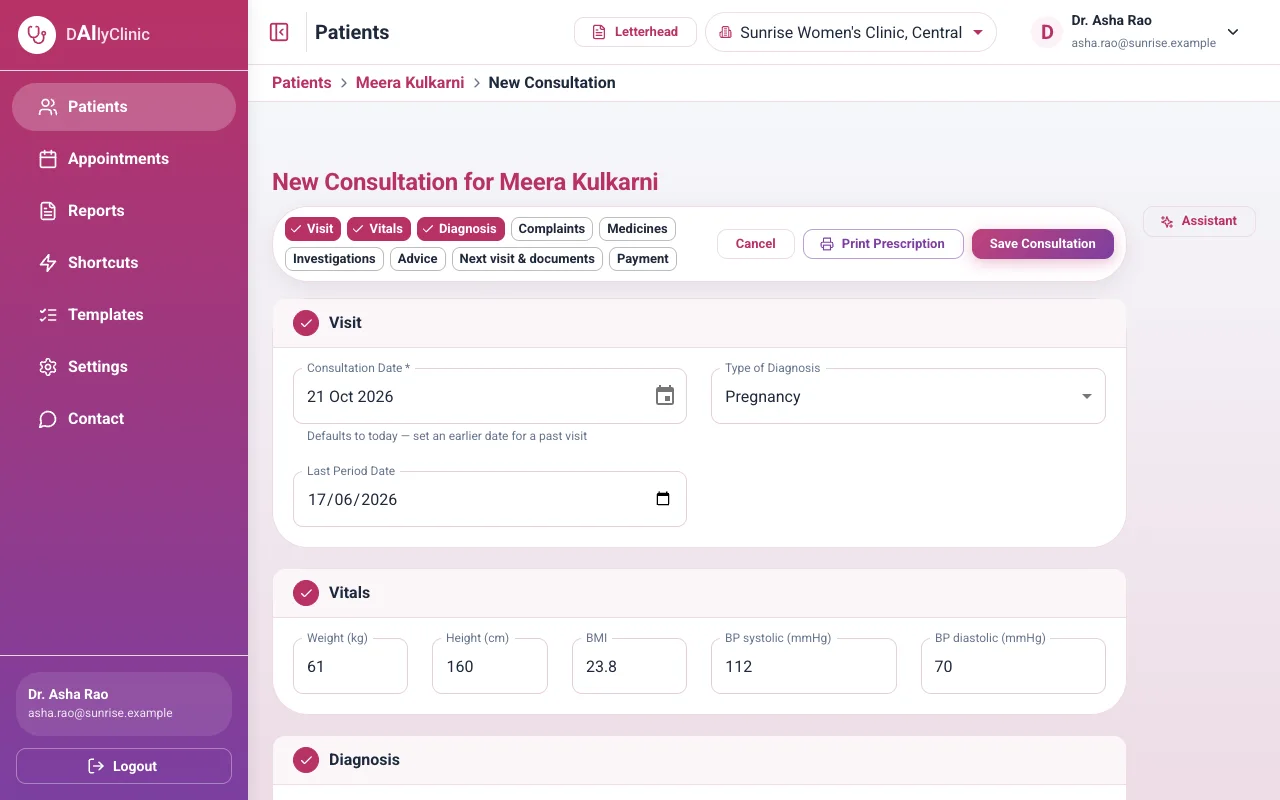
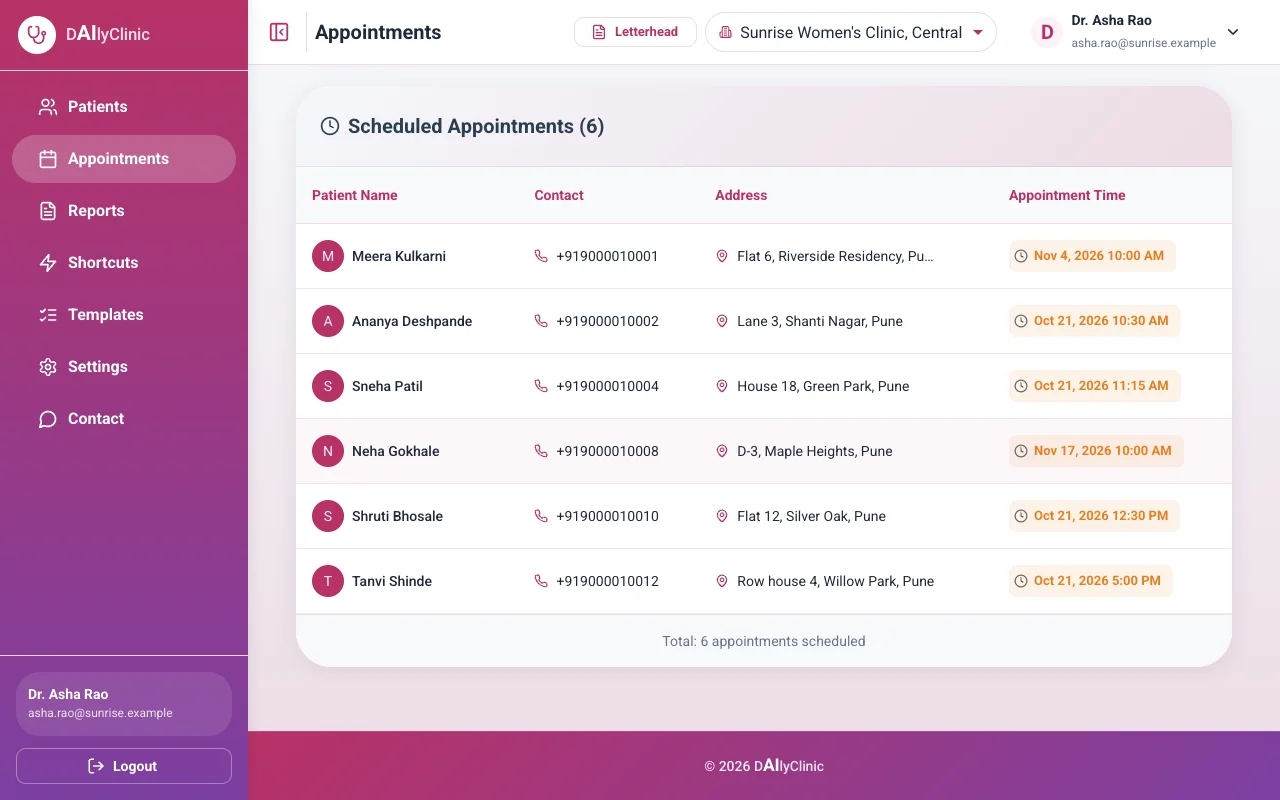
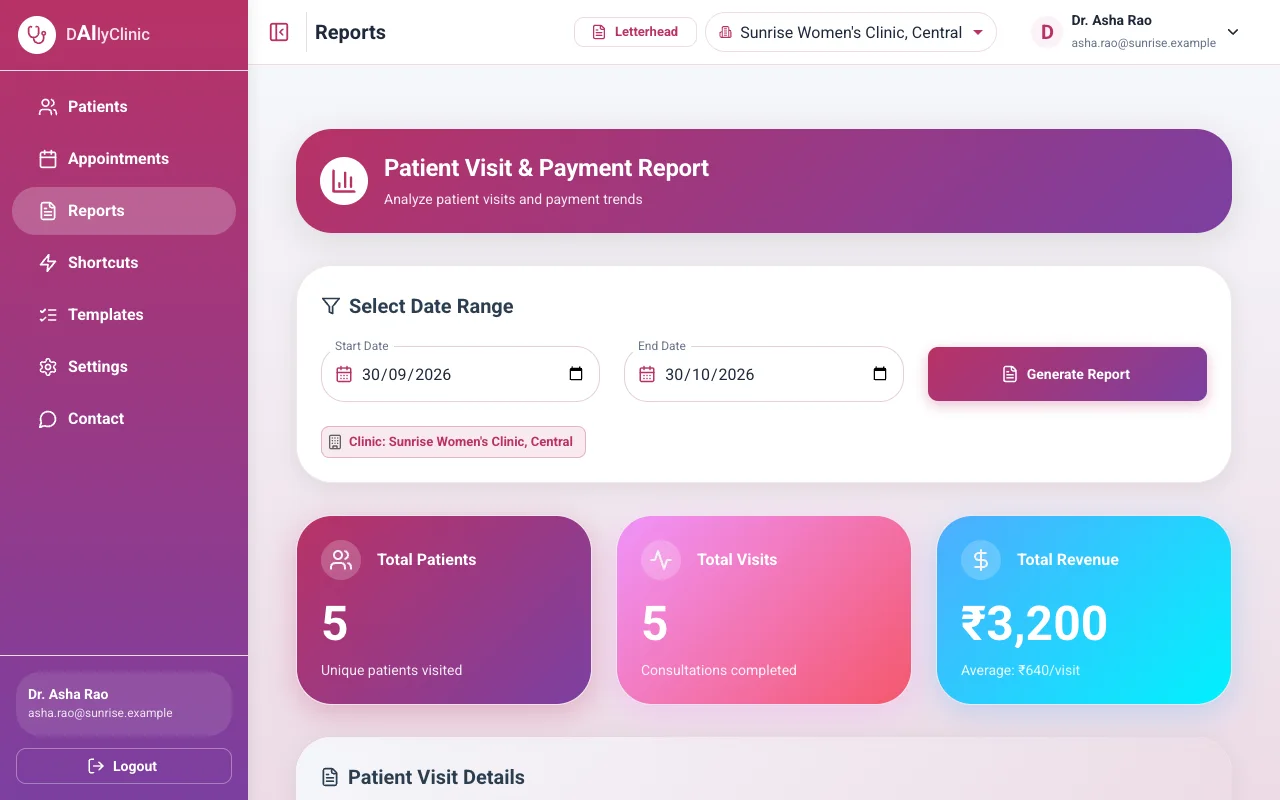
Clinic management software for specialist doctors, with an AI assistant at every consultation: patient records, visits written in a few taps with shortcuts and templates, prescriptions printed on your letterhead, scanned documents, appointments and reports, in your browser.
What does the AI assistant do?
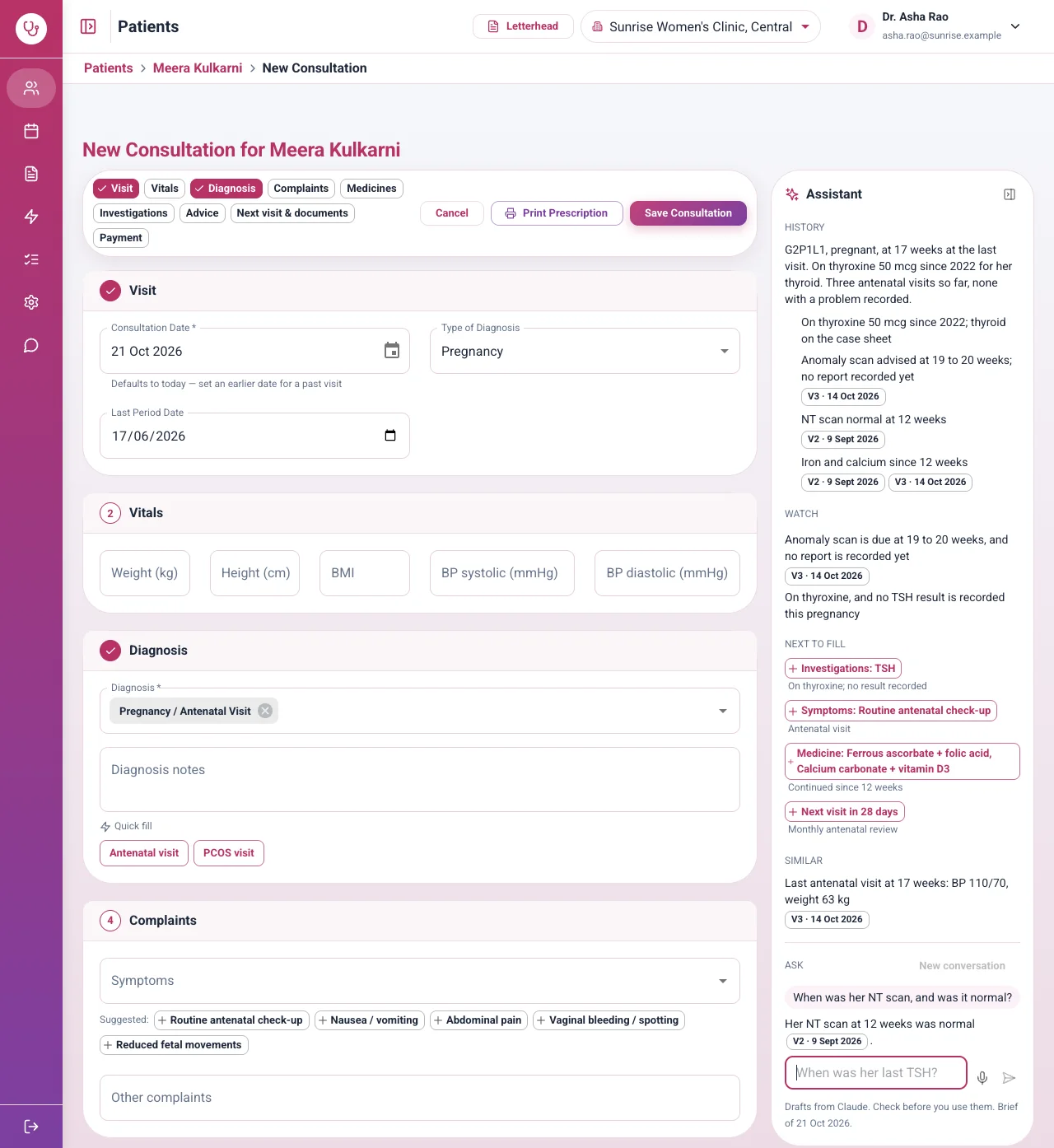
On a computer it sits beside the visit form. It sums up the patient's history, answers your questions about the record, points out what to watch, and suggests what to fill next from the record and your practice's own habits. It only suggests: nothing goes into the visit until you tap it.
Does the AI diagnose or prescribe?
No. It summarises and suggests from the patient's record and what your practice usually does. You decide what goes into the visit and what is prescribed.
Is my patients' data safe with the AI?
While the assistant is on, the record of a patient you open is sent to Anthropic under your own Anthropic account, without the patient's name, phone number or address. If you type the name or phone into a question, it is taken out before sending. With the assistant off, nothing leaves DAIlyClinic.
What does the AI cost?
Every plan includes the assistant. It runs on your own Anthropic account, so Anthropic bills you for what it uses, and the Settings page shows this month's use with an estimated cost.
Can I use DAIlyClinic without the AI?
Yes. The assistant is off until you add your Anthropic key in Settings, and everything else works the same without it.
What are shortcuts and templates?
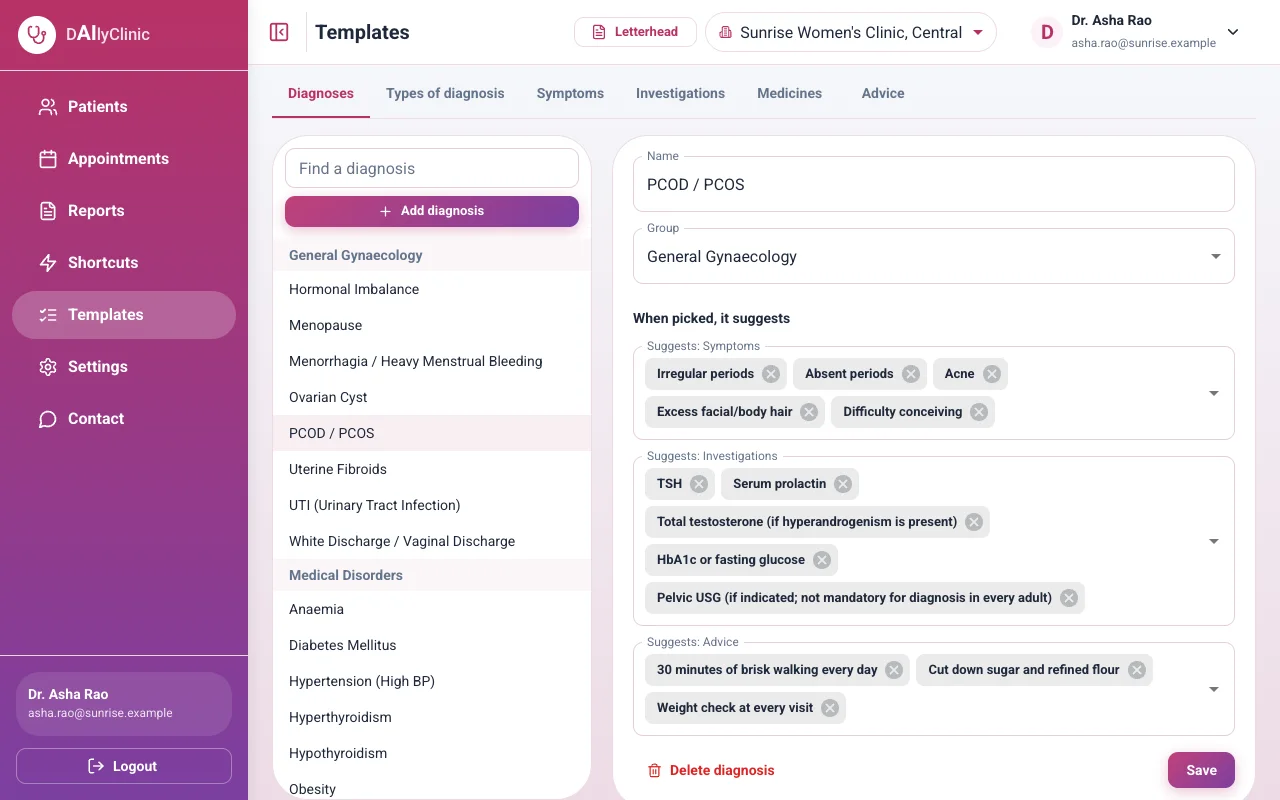
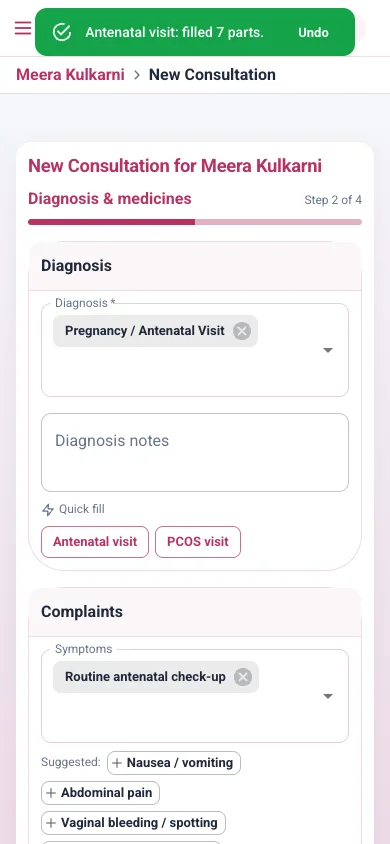
A shortcut saves how you usually treat a condition: the diagnosis, complaints, investigations, medicines with their doses, advice and the next visit. One tap fills them into a visit. Templates are your practice's own lists of diagnoses, complaints, investigations, medicines and advice, with what each diagnosis suggests.
Can I change what DAIlyClinic suggests?
Yes. On the Templates page you add, rename or remove any item, group your diagnoses, and choose what each diagnosis suggests. You can also add a new diagnosis or medicine from the visit form as you write.
Which specialties does DAIlyClinic support?
Gynaecology and obstetrics, and dermatology. Each specialty has its own case sheet, and more are being added.
Do I need to install anything?
No. DAIlyClinic runs in the browser on a computer, tablet or phone. You sign in and start.
Does it work for a practice with more than one branch?
Yes. A patient has one chart across all your branches, and every visit records the branch where it happened.
Can I print prescriptions on my own letterhead?
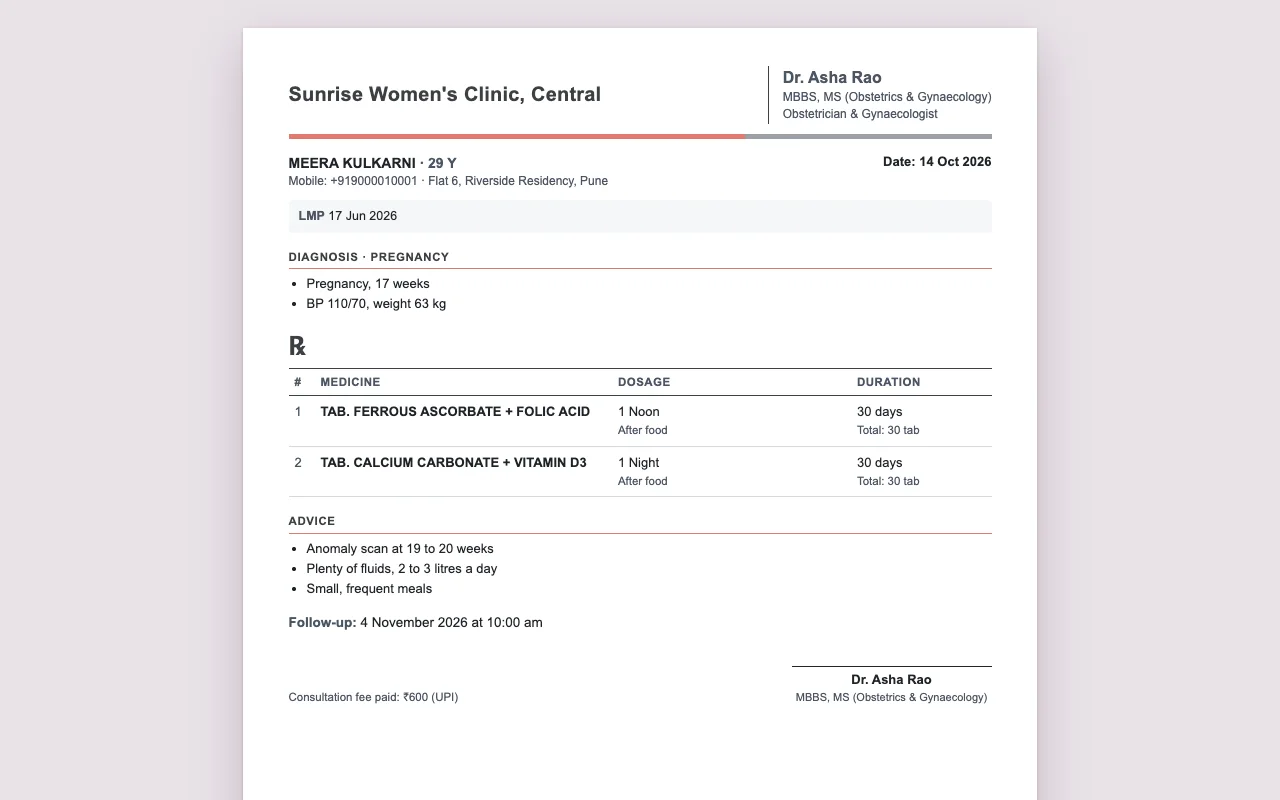
Yes. Prescriptions print on A4 with your clinic's logo, address, phone numbers and working hours. You can also print a blank letterhead.
Who can see my patients' records?
Only the doctors and staff of your practice, after signing in. Photos and documents are stored privately and open through links that expire.
Do patients need an account?
No. Only your doctors and staff sign in.